
If your book is on Amazon, readers can press a Follow button on your Author Page or on your book’s page, and Amazon may then email them when your next book comes out. It costs nothing, but it only works if your page is set up and readers know the button is there.
This week, claim your Author Page, add a photo and a short bio, and put one line in your book asking readers to follow you on Amazon.
What Amazon’s page says
KDP’s help page Author Central (checked 17 October 2026) says four things worth knowing.
- Where the button is. The Follow button is on your Author Page and on your book’s detail page.
- When followers hear about you. Followers are told when your book is released or goes on pre-order, as long as the book is eligible, the follower allows marketing emails from Amazon, and they have not already ordered the new book.
- Recommendations can help. Amazon says it will “also consider sending notifications via email” when you submit at least three new book recommendations. They can be your own books or books by other authors.
- You can see the number. Author Central shows how many Amazon customers follow you.
So an email is not promised every time. Each follower is still a reader Amazon may remind about you, without you sending anything.
The same page lists where you can edit your page: Amazon.com, Amazon.co.uk, Amazon.de, Amazon.fr, Amazon.co.jp and Amazon.com.br. In stores such as Canada, Australia and Spain, a page appears if your books are sold there, but it copies your US details and cannot be edited yet. So set up the US page first.
Four steps for this week
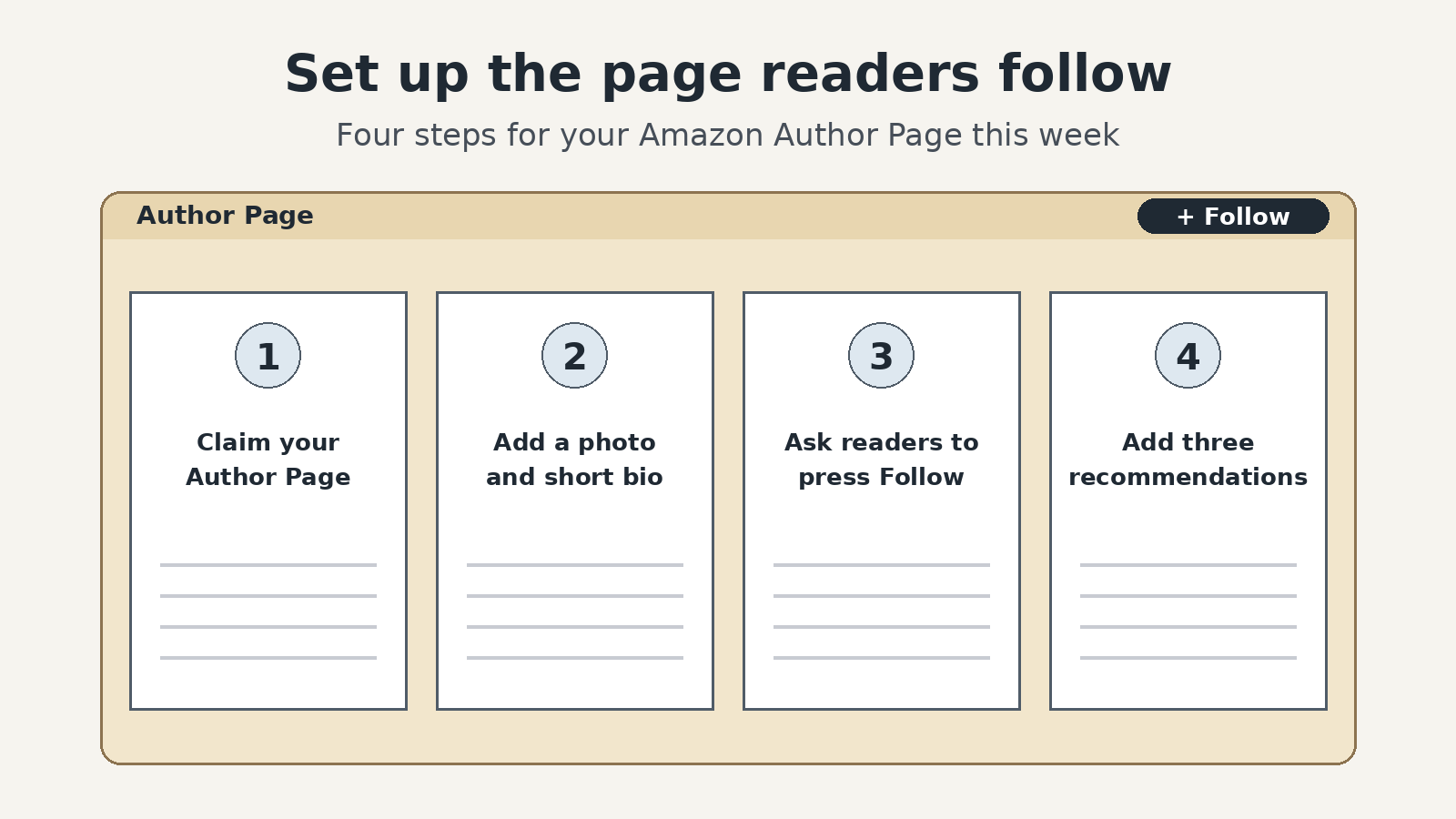
- Claim your page. In KDP, open the Marketing page. In the Author Central section, choose your marketplace and click Manage author page. Click Join for free and sign in with your KDP details. Search for one of your books, click it, and confirm you are the author.
- Add a photo and a short bio. Use a clear photo of your face and four or five plain lines: what you write and why a reader might enjoy it. Then check that every one of your books shows on the page.
- Ask readers to press Follow. Add one line near the end of your book, such as “Follow me on Amazon to hear when my next book is out.” Use the same line in your emails and social media bios.
- Add three book recommendations. Pick three books you honestly like. They can be your own or books in your genre by other authors. That gives Amazon one more reason to consider emailing your followers.
If you plan to run Amazon ads for an audiobook, claiming your pen name in Author Central is also the first step there. Our 16 October note on audiobook pre-orders and ads covers that.
A small example
This one is made up. Carol has one cozy mystery on KDP and a second due next spring. On Sunday afternoon she claims her Author Page, adds a photo taken in her garden, and writes five lines about herself and her books. She adds the follow line to the last page of her first book and uploads the new file. Then she recommends three cozy mysteries she loves. When her second book goes on pre-order, readers who followed her may get an email from Amazon without Carol sending a thing. Once a month she checks her follower number in Author Central.
Your Author Page is the one place Amazon can remind readers about you, so claim it this week and give readers a reason to press Follow.